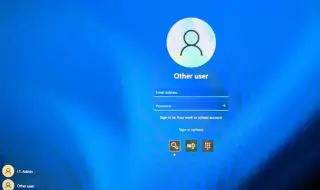
Microsoft continues to struggle with methods that allow users to create a local account in Windows 11 and install the operating system without a mandatory Internet connection. In the new beta versions of the operating system, developers blocked one of the popular workarounds used for this purpose.
However, it only took a few days for users to find new solutions that allow them to complete the “out-of-box experience“ (OOBE) without having to create or log in to a Microsoft account.
A user on the X social network, @TheBobPony, published a short guide that involves disconnecting the Internet connection before starting Windows setup and then executing a series of specific commands.
Another method was suggested by user @GreepTheSheep. It also requires the execution of specific commands and allows for the successful creation of a local account in Windows 11.
Finally, many working methods for installing Windows with a local account can be found on the blog of Microsoft product specialist Vadim Sterkin.
Microsoft will probably soon try to block new solutions for creating a local account in Windows 11. This is not surprising, since according to the software giant, setting up the operating system with a local account could negatively affect the performance of the device. For now, however, the new workarounds remain relevant even in the latest versions of Windows 11.